What to Do When Your AI Agent Gets Stuck
Your AI agent keeps stalling, and restarting never lasts. The three root causes of a stuck agent, and the recoverable setup that fixes it.

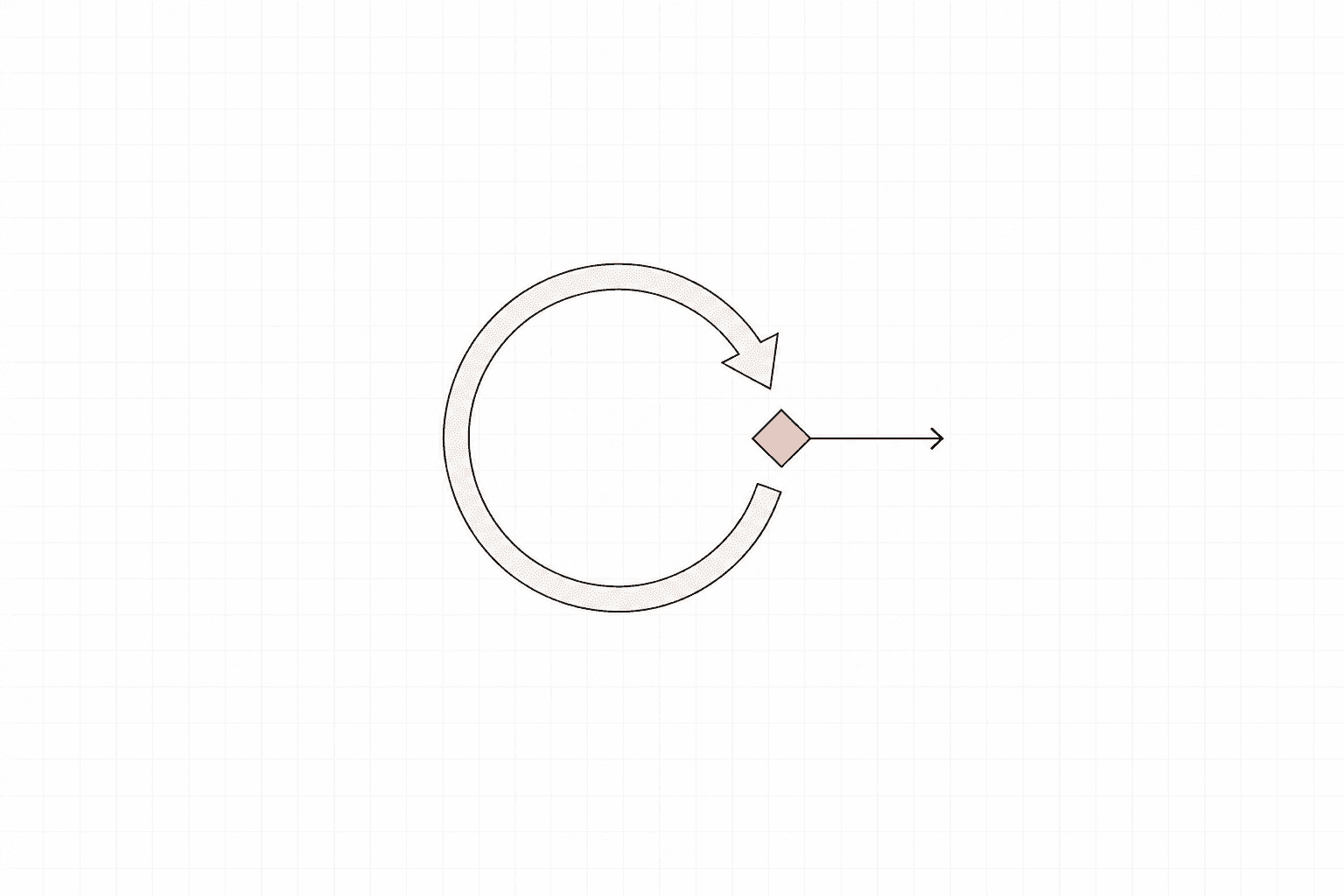
The agent worked in testing, and every run was clean. Then you put it on real work, and on Tuesday it stops, frozen mid-task, waiting on an input that never arrives, or looping on the same tool call for the fortieth time. You restart it, and it runs. Wednesday, it stalls in the same place. So you restart it again.
If you are asking what to do when your AI agent gets stuck, the honest answer is that the restart is not the fix; it is the tell. An agent that comes back to life on restart and then stalls again the next day is hitting the same structural gap every run. This piece is about what that gap actually is, why the agent keeps failing in exactly one place, and the configuration change that lets it recover on its own.
If you are still standing up the basics (agent mandates, budgets, who owns the result), start with how to set up an AI agent company. This piece picks up where that one leaves off: the point where a working setup starts failing in production.
Why AI agents get stuck (the three root causes)
When operators say their agent "got stuck," the first instinct is to blame the model: it got confused, it hallucinated, it needs a better prompt. The model is rarely the culprit here. A stuck agent is a configuration gap, and it shows up in three places.
Permission gaps. The agent reaches an action it was never granted: a file it cannot write, an API scope it does not hold, an approval it has no way to request. A well-built tool fails loudly at this point, surfacing the blocked action. Most early setups stay quiet, so the agent simply waits, mid-task, for a door that no one told it is locked.
Malformed tool responses. A tool returns a shape the agent did not expect: an empty array, a truncated payload, an error string where structured data should be. The agent has no branch for that shape, so it either loops, retrying the same call, or stalls trying to parse a response it cannot read. The call "succeeded," and the agent broke anyway. Standard logging shows a green status while the agent sits dead, the same disconnect that lets an agent report a task done when it isn't.
Missing fallback paths. The first two are survivable if the agent has somewhere to go when a step fails. Most first deployments give it exactly one path through the task and no defined behaviour for when a step on that path does not return. So it sits at the dead end, because the dead end is the only place the setup ever sent it.
Every one of these is a configuration gap. The same gap that separated the demo from the Monday it broke is what surfaces, again and again, as a stall.
Why restarting the agent is not the fix
A restart works because it throws away the stuck state and runs the task again from a clean context. For a moment, that looks like recovery. Underneath, the permission is still missing. The tool still returns the same malformed shape. The path still has no branch for failure. You have cleared the symptom and left every cause in place.
What you are actually doing is performing the error recovery yourself, by hand, on demand, every time the agent hits the wall. You have become the recovery path. That works until you are asleep, on another task, or running more than one agent at once, at which point the stall just sits there costing you a day.
This is also why the failure feels random. The exact conditions that trigger the stall do not line up on every run, so the agent looks fine for a while, then freezes again the moment they do. It stalls again tomorrow for the same reason it stalled today: nothing about the setup changed. The goal is to move the recovery from you to the agent.
What a recoverable agent setup looks like
A recoverable setup is one where every way the agent can get stuck has a defined exit. There are four structural pieces, and each is a configuration choice.
Retry limits with backoff. When a step fails, the agent should try again, a bounded number of times, with a growing gap between attempts. The point is the bound. An agent that retries forever is the looping stall you already know. Cap the retries, and define what happens when the cap is hit, so "try again" can never become "try again until someone notices."
Kill switches. A hard stop, one you or the agent can trigger, that halts the run cleanly before it can burn budget or take an action you cannot undo. Production-grade setups define their kill switches during setup, well before the incident that would teach them why one is needed. A kill switch keeps a stuck agent's blast radius bounded.
Checkpoint states. The agent saves its progress at defined points in the task, so a recovery resumes from the last good checkpoint. Without checkpoints, every recovery starts from zero, and you throw away the work the agent already finished, which is most of the cost of restarting by hand.
Human-escalation paths. When the agent exhausts its retries and has no branch left, it should escalate. It surfaces the exact blocker, the missing permission or the malformed response, to a person or a supervising agent, and hands the task off. These are the guardrails that turn a silent stall into a routed request.
Put together, these four pieces describe one behaviour. A recoverable agent tries a bounded number of times, saves where it got to, and escalates when it runs out of defined moves. That is the line between an agent that needs a babysitter and one that runs production work.
How to instrument error recovery on Paperclip
Whether you run on Paperclip, the building blocks are the same; only the wiring differs. Five concrete steps close the gaps above.
-
Cap retries and set timeouts on every tool call. No unbounded retry, anywhere. A tool that does not return inside its timeout should fail the step cleanly and release the agent, which otherwise hangs on a call that is never coming back. On Paperclip the coarse loop bound is Max turns per run, which ships at 1000; bring it to about 30 so a run can't spin indefinitely. The finer per-call retry and timeout logic is still yours to wire on top of that.
-
Validate tool responses before the agent acts on them. Schema-check what comes back. An empty, truncated, or malformed response routes to a fallback branch, so bad data never flows into the agent's reasoning as if it were valid. This catches the bad response while it is still cheap, before the agent acts on data it cannot actually read.
-
Define fallback branches for the steps that actually fail. You already know which steps those are. They are the ones you keep restarting. Give each a defined next move: an alternate tool, a narrower retry, or a clean escalation. One known failure point with no branch is one guaranteed future stall.
-
Add checkpoints at state changes. Save progress wherever the task crosses into a new state, so recovery resumes from the last good point and keeps the work already done.
-
Wire a kill switch and an escalation target. When retries are exhausted, the agent posts the exact blocker to a person or a supervising agent and stops cleanly. No silent freeze, no budget bleed. On Paperclip the blast radius is Max concurrent runs (it ships at 20; cap it to one or two), escalation is reassigning the task to a supervising agent, and the Runs tab is the state you inspect afterward, showing what each run authenticated as, what it cost, and what it decided.
The honest part: doing this well for a single agent takes most operators one to two weeks of the reliability tuning every operator hits, clearing the permission gaps, handling the malformed responses, and wiring the fallback paths, the work that turns a demo into something that survives Monday. That tuning period is real, and it is mostly spent discovering these five gaps one production failure at a time. The open-source Paperclip Blueprints CLI (MIT) gives you a head start on the governance half: it generates a company with escalation paths, approval gates, and per-agent spend caps in place from the first run, so the question of what an agent does when it runs out of moves is answered before you deploy. The runtime instrumentation above, the retry caps, response validation, and checkpoints, stays yours to wire.
The stuck agent is a setup problem
A stuck agent is a setup with no defined behaviour for the ways it can fail. The model is rarely the cause, and luck has nothing to do with it. A correctly configured agent retries a bounded number of times, checkpoints its progress, and escalates when it runs out of moves. The operators who skip this step spend two weeks in reliability tuning, restarting agents by hand and finding the gaps one failure at a time. The ones who build the recovery paths in from day one spend that fortnight shipping.